
Check a Character Movement
Describe a traveler stepping through a doorway and pausing. Generate the moment to judge whether the action remains understandable in a short shot.
Animate first and last frame images with MiniMax H3 for free.
Free video currently produces 5-second, 480p clips. Requests may queue or be limited by service availability and abuse protection. Image settings are shown in its form; the prompt tool requires sign-in.
Generate compact scene previews to explore character actions, location reveals, atmosphere, and transitions between planned compositions.
Describe a traveler stepping through a doorway and pausing. Generate the moment to judge whether the action remains understandable in a short shot.
Use an image of a wooded path and an ending view of a cabin. Describe a gentle approach and inspect the generated transition between the compositions.
Prompt a curtain moving beside an open window in a dim room. Review the clip for how the small movement changes the feeling of the scene.
Upload two related storyboard compositions and explain the intended camera motion. Use the result to discuss the visual connection before developing a longer sequence.
Choose words or paired frame images to define a scene, then use a prompt to describe the movement. Review the short video as a test of that story moment.
Create for freeTry short visual hooks for social posts before assembling your final story.
Explore storyboard transitions and motion concepts with two reference frames.
Visualize a lesson or practice prompt writing for a creative class project.
Start with a simple sentence, compare results, and learn by making.
Prepare a clear scene prompt or two compatible endpoint images. Select the shot shape, complete verification, and generate a short preview to inspect and save.
Make a video, create an image, or find the words for your next idea.
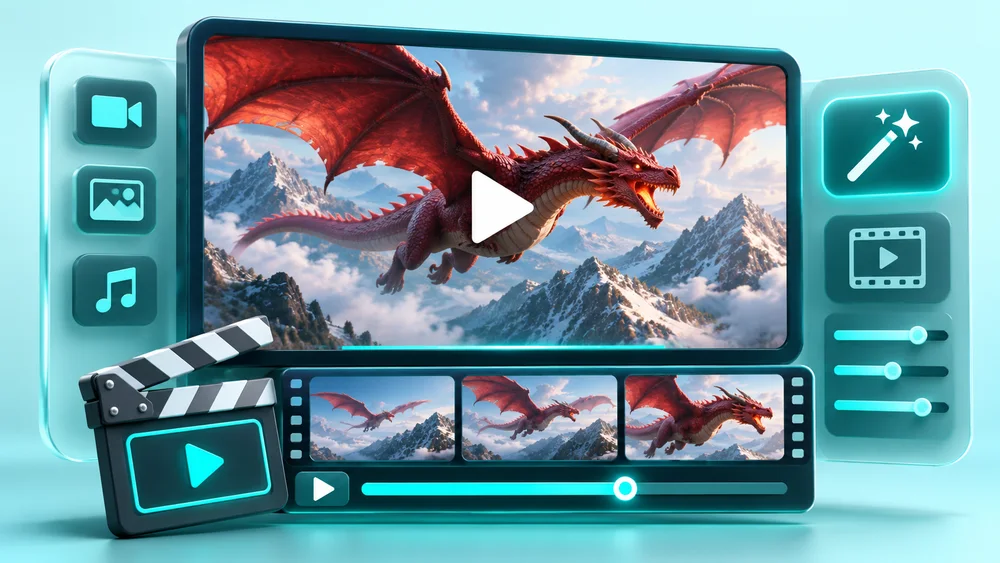
Create free AI videos from text prompts or start and end frames.
Open free tool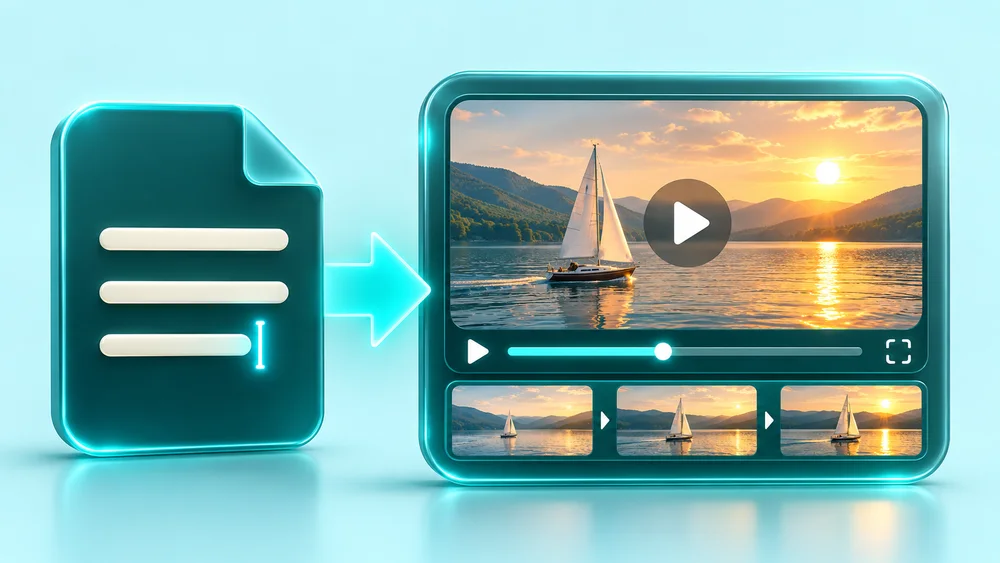
Turn text prompts into free AI videos with MiniMax H3.
Open free tool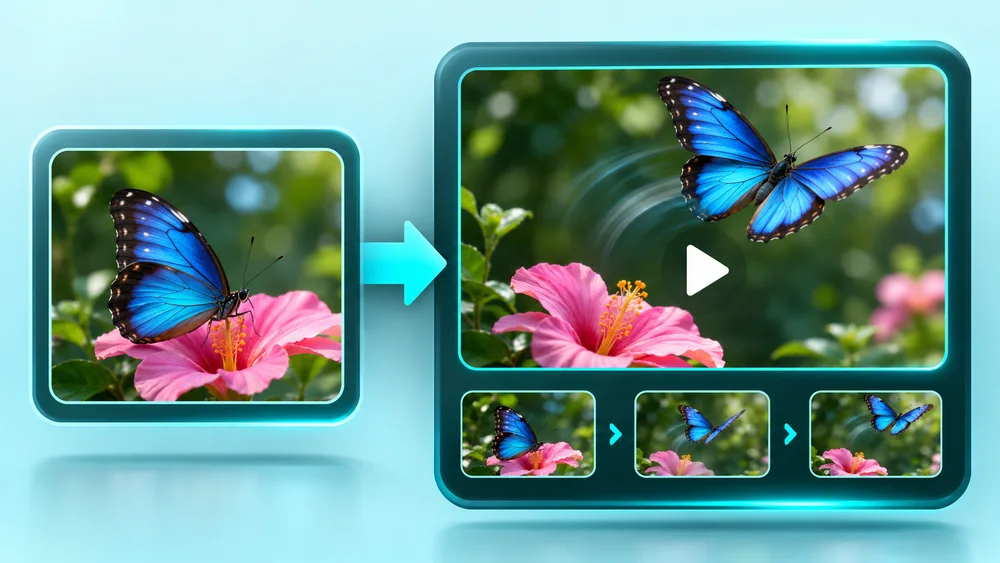
Animate first and last frame images with MiniMax H3 for free.
Open free tool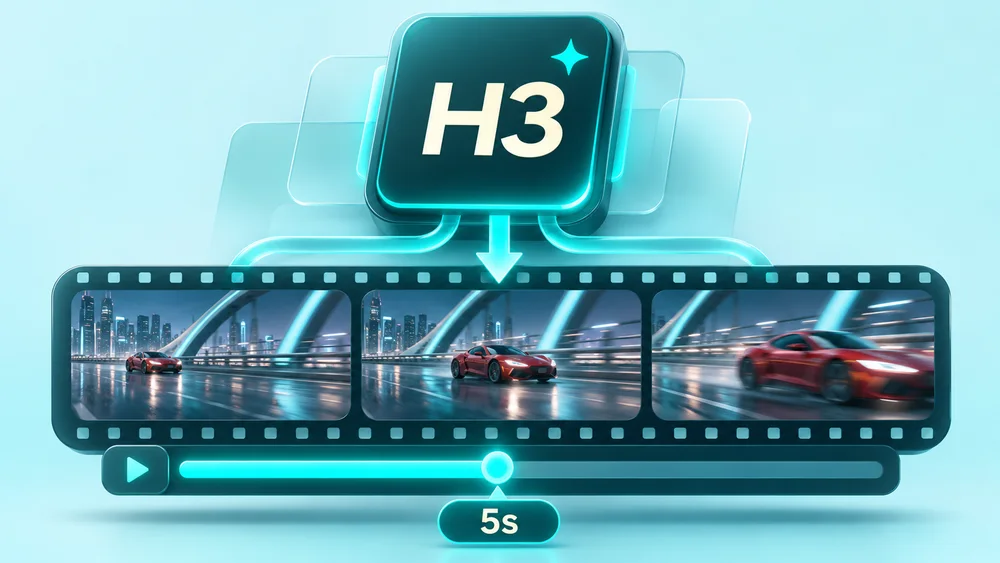
Generate free 5-second videos with MiniMax H3.
Open free tool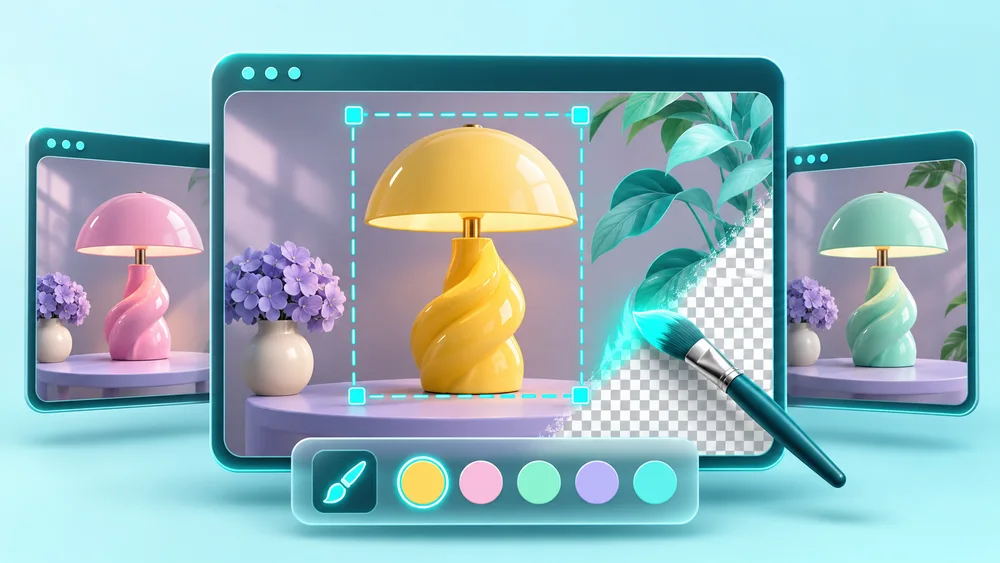
Create and edit images with free GPT Image 2.5.
Open free tool
Get optimized prompts for AI videos
Open free toolAI-created concept illustrations for inspiration; actual generated results may vary.
These video and image tools offer free generation and downloads. No subscription or credit purchase is needed for the free forms.
Free video currently produces 5-second, 480p clips. Requests may queue or be limited by service availability and abuse protection. Image settings are shown in its form; the prompt tool requires sign-in.
Name the subject, one clear action, and the camera position or movement. For example, describe a traveler entering a sunlit room in a fixed wide shot. Keep the moment simple enough for a short clip.
Not with this free image-guided form. It requires both an opening and ending frame plus a motion prompt. Alternatively, leave both image slots empty and generate the scene from text alone.
Choose 16:9 for a wide scene, 9:16 for a vertical shot, or 1:1 for square framing. All three use the same 5-second, 480p free output settings.
The images and prompt guide generation, but you should inspect the resulting motion, character details, and framing. If a story point becomes unclear, simplify the action and try a more specific prompt.
Read a guide, pick a free tool, and put your next idea into motion.