
Free GPT Image 2.5.
Create and edit images with free GPT Image 2.5.
Free GPT Image 2.5
Free video currently produces 5-second, 480p clips. Requests may queue or be limited by service availability and abuse protection. Image settings are shown in its form; the prompt tool requires sign-in.
ArtverseHub AIA small toolkit. Big possibilities.
Make a video, create an image, or find the words for your next idea.
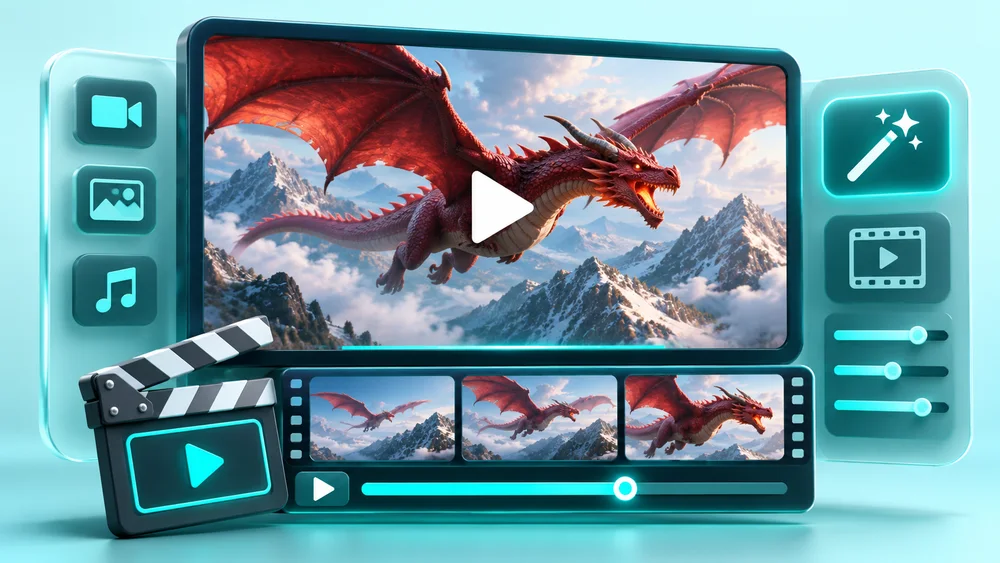
Free AI Video Generator
Create free AI videos from text prompts or start and end frames.
Open free tool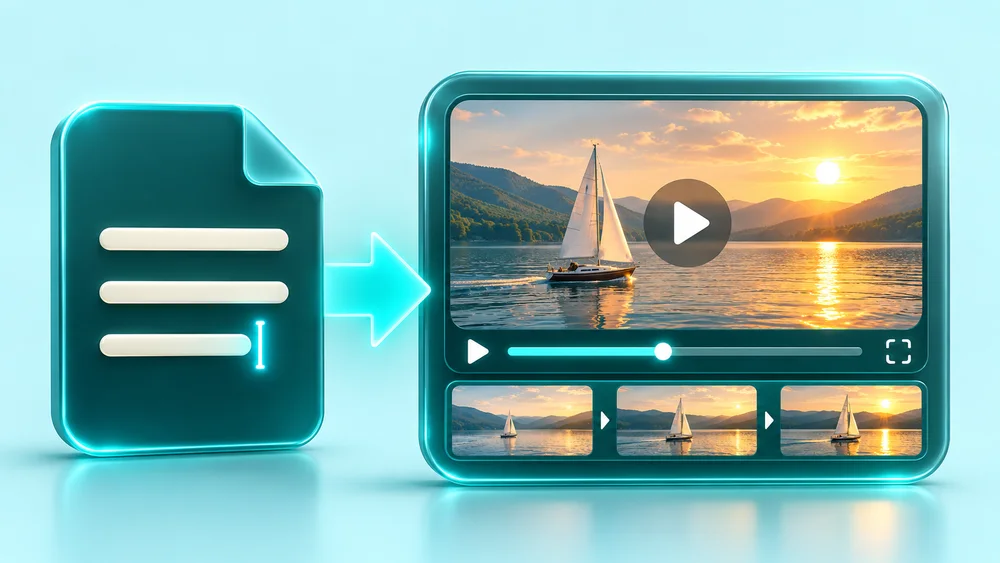
Free Text to Video
Turn text prompts into free AI videos with MiniMax H3.
Open free tool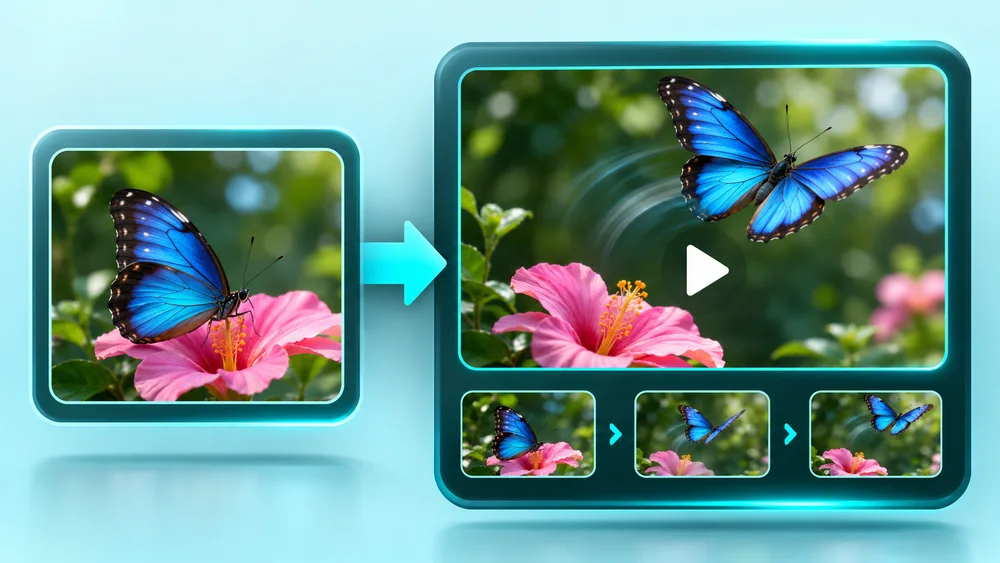
Free Image to Video
Animate first and last frame images with MiniMax H3 for free.
Open free tool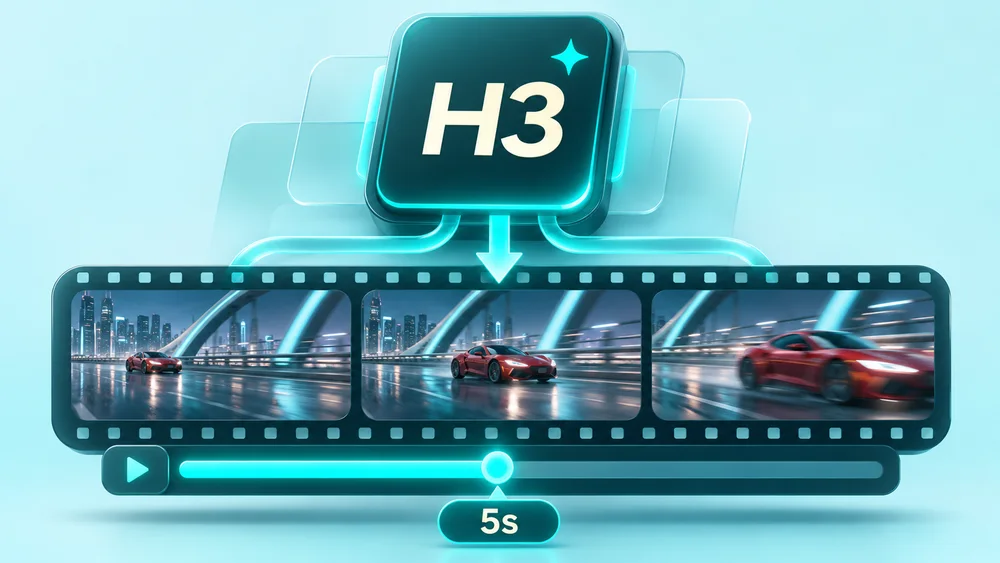
Free MiniMax H3
Generate free 5-second videos with MiniMax H3.
Open free tool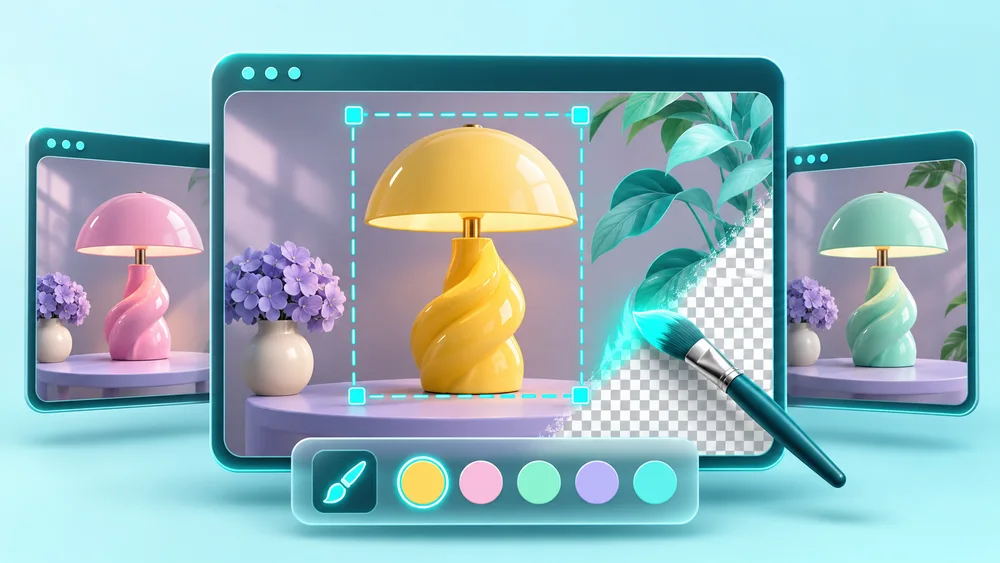
Free GPT Image 2.5
Create and edit images with free GPT Image 2.5.
Open free tool
AI Video Prompt Generator
Get optimized prompts for AI videos
Open free toolAI-created concept illustrations for inspiration; actual generated results may vary.
A few things worth knowing.
Is it really free?+
These video and image tools offer free generation and downloads. No subscription or credit purchase is needed for the free forms.
Are there any limits?+
Free video currently produces 5-second, 480p clips. Requests may queue or be limited by service availability and abuse protection. Image settings are shown in its form; the prompt tool requires sign-in.
Can I generate a free image without registering?+
Generate an image on ArtiverseHub AI with 100% free access and no registration requirement. Provide the prompt and optional single reference, and complete verification to submit.
How can one reference direct the scene?+
One uploaded image can guide the scene while your prompt directs changes to background, light, or style. Keep the upload empty for a scene based only on words. Review the output against any reference details that matter to your brief.
Which framing options does the image form offer?+
Set the scene to one of nine ratios: 21:9, 16:9, 4:3, 3:2, 1:1, 2:3, 3:4, 9:16, or 9:21. Consider whether the shot concept needs a wide view or a taller composition. The selection defines proportions rather than promised pixel dimensions.
How do I save the image after previewing it?+
Preview your result and open the download dialog. Its continue-download option saves the image; keep useful scene drafts yourself because history is local to this page in this browser.
Ideas, guides & free tools
Read a guide, pick a free tool, and put your next idea into motion.